I Used a Honeypot Instead of a CAPTCHA on Our Quote Form
Our new quote request form needed spam protection. I skipped CAPTCHAs and added one hidden field that only bots fill in. Here is how it works and what it won't stop.
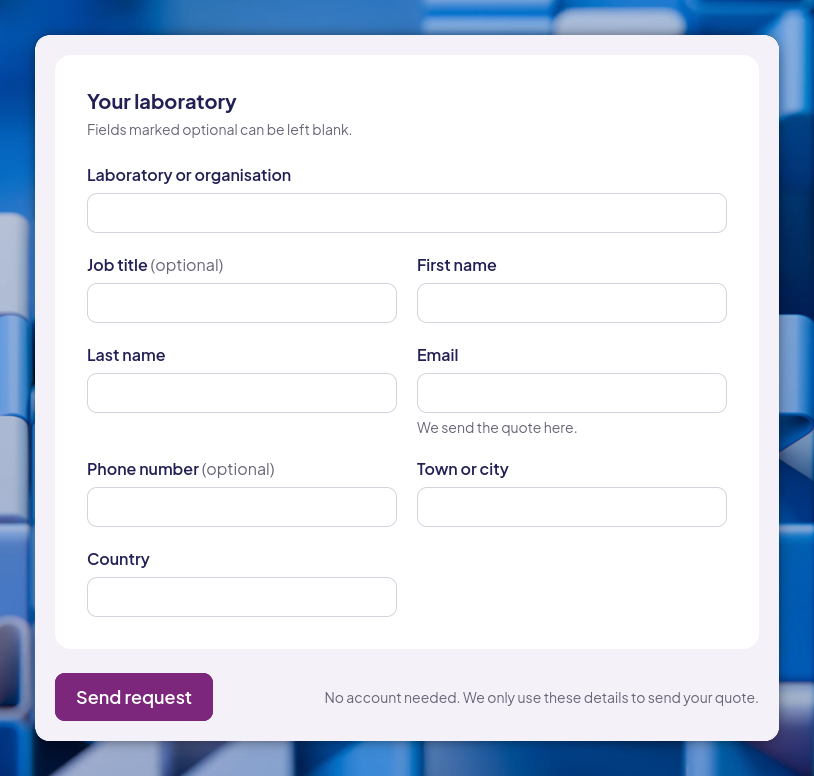
At work, I’m rebuilding a website for an organisation that serves medical laboratories. The most important page on the new site is a form where a lab picks the services it needs and asks for a quote.
Every public form attracts spam bots. The usual fix is a CAPTCHA, and I didn’t want one.
Why not a CAPTCHA
A CAPTCHA makes every real visitor prove they are human so you can stop a few bots. Image puzzles are hard for people using screen readers and annoying for everyone else. Services like reCAPTCHA also load third-party scripts, which slow the page down and send your visitors’ data to someone else.
The people filling in this form are lab managers who want a price. I wanted it to be as easy to fill in as possible.
The honeypot
A honeypot is a form field that people never see, but bots fill in anyway. Mine sits inside the quote form:
<div class="absolute -left-[9999px]" aria-hidden="true">
  <label for="website">Leave this empty</label>
  <input id="website" name="website" type="text" tabindex="-1" autocomplete="off" />
</div>
Each part hides it from a different kind of visitor:
- The wrapper moves it 9999px off the left of the screen, so sighted visitors never see it.
tabindex="-1"makes keyboard users skip over it.aria-hidden="true"hides it from screen readers. The label says “Leave this empty” in case one reads it anyway.autocomplete="off"stops the browser from autofilling it for real people.
Most spam bots never render the page. They read the HTML and fill in every field they find, and an empty field called website is hard for them to resist.
The check on the server
The form posts to our own server (the site is built with Astro), and the first thing the handler does is look at that field:
// Honeypot: people never see this field; bots fill it in. Pretend it worked.
if (String(form.get("website") ?? "").trim()) {
  return Astro.redirect("/quote/sent", 303);
}
If the field has anything in it, a person didn’t send the form. The server doesn’t save the request and sends the bot to the normal “Request sent” page. I deliberately fake the success: an error page would tell whoever runs the bot that they were caught, and they might change it.
Because the check runs on the server, it also works for visitors who have JavaScript turned off.
What it won’t stop
A honeypot catches generic bots, which send most form spam. It won’t stop a person paid to fill in forms, or a bot written specifically for this site that skips hidden fields.
If that kind of spam ever shows up, the next step is limiting how many requests one IP address can send. Until then, the honeypot keeps the bots out and costs real visitors nothing.